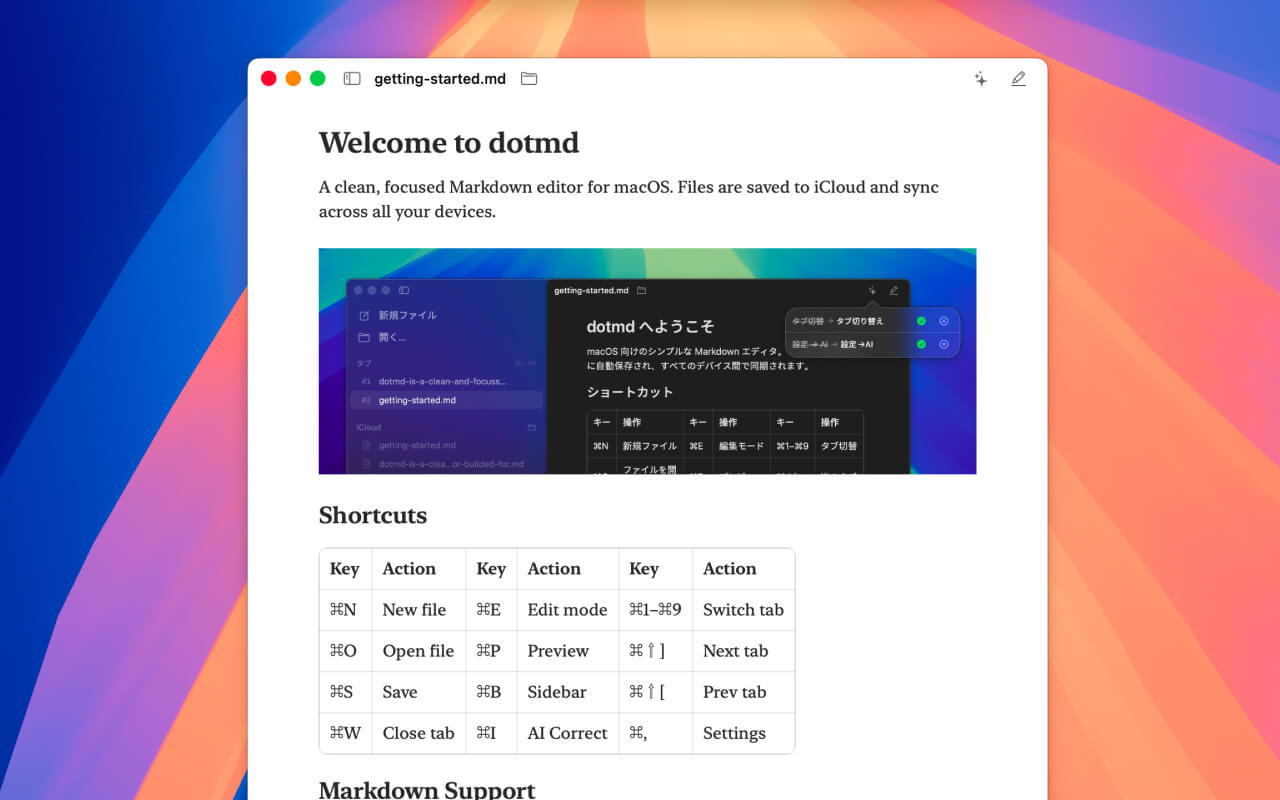
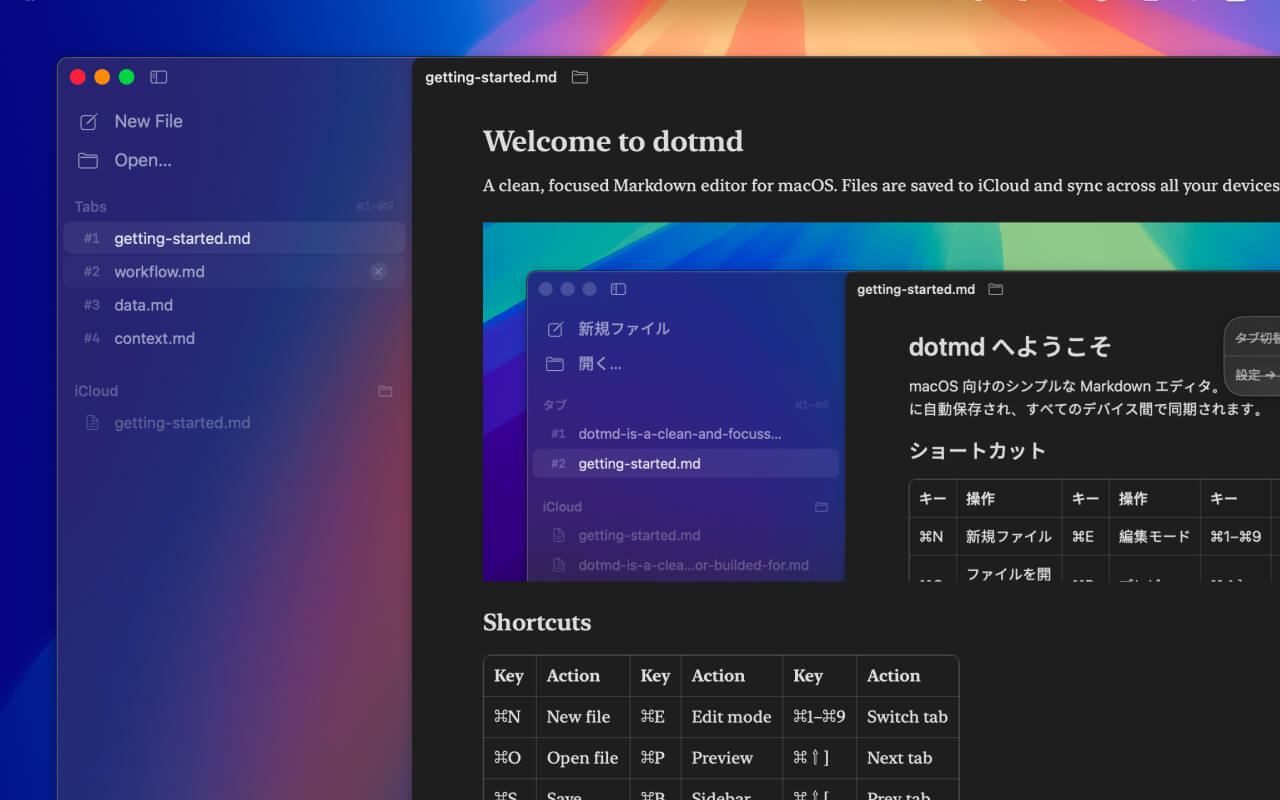
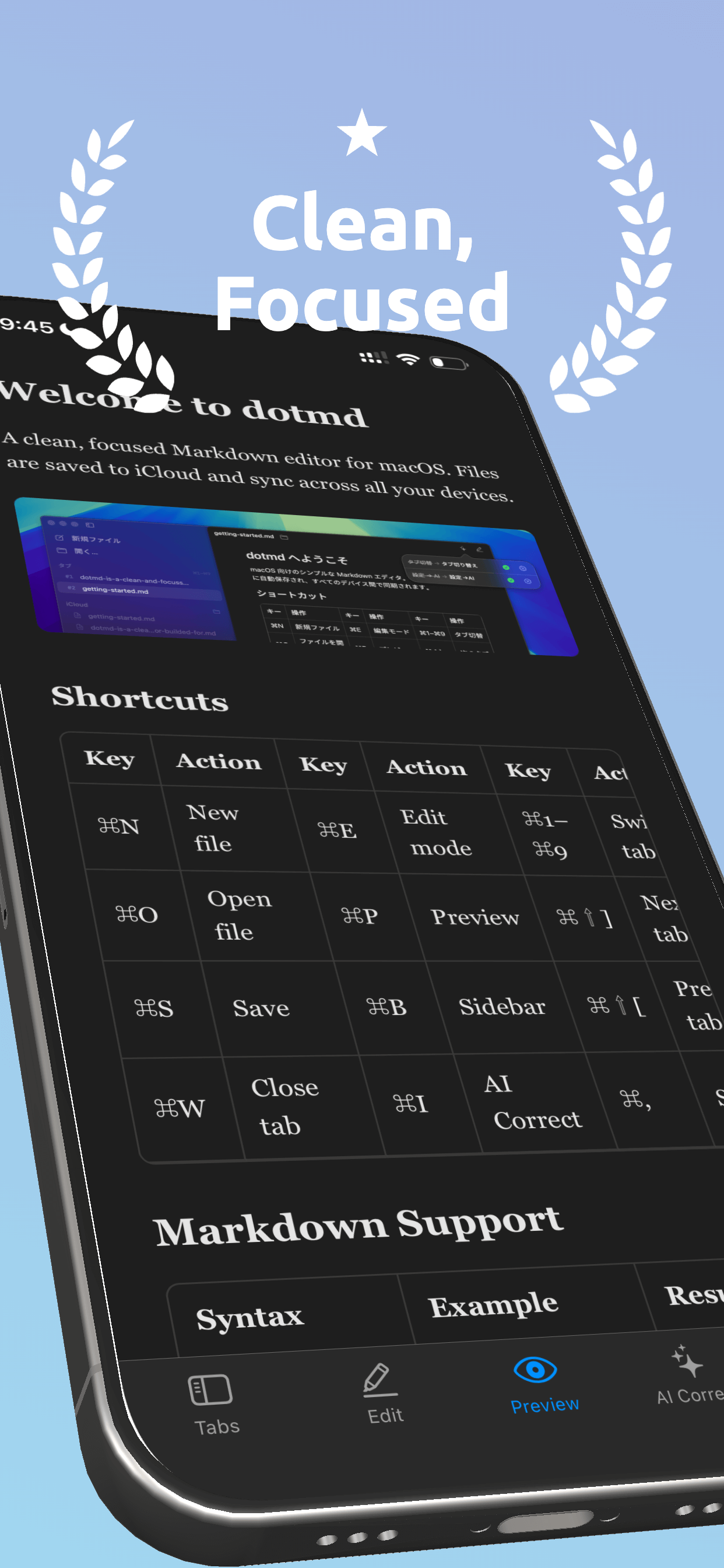
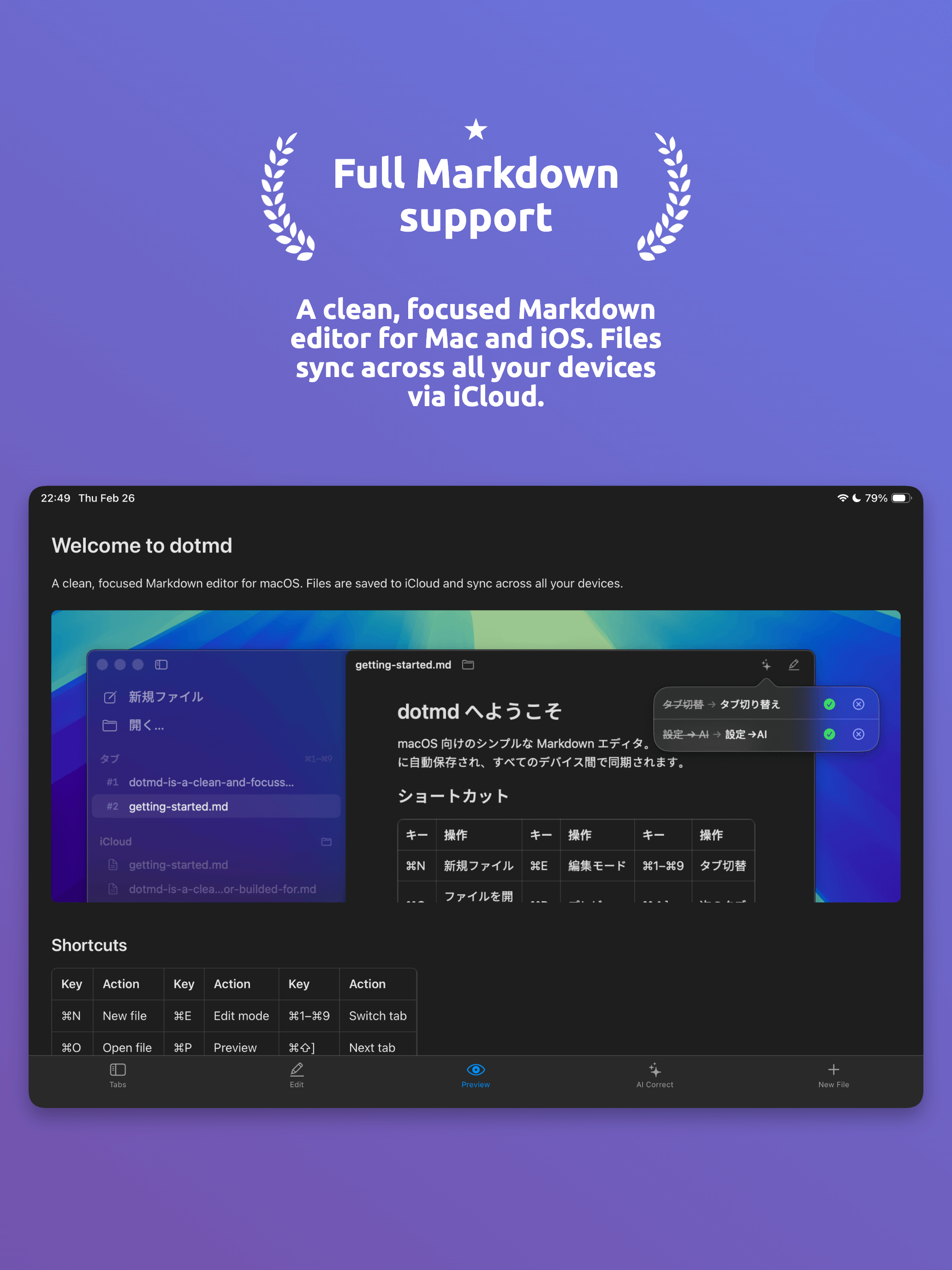
A clean, focused Markdown editor for Mac and iOS. Files sync across all your devices via iCloud.
Write in Markdown, preview instantly. No bloat, no setup.
Headings, bold, italic, links, images, code blocks with syntax highlighting, tables, task lists — all rendered in a live preview.
Files sync across Mac, iPhone, and iPad automatically via iCloud. Drag and drop images on Mac — they're copied to iCloud too.
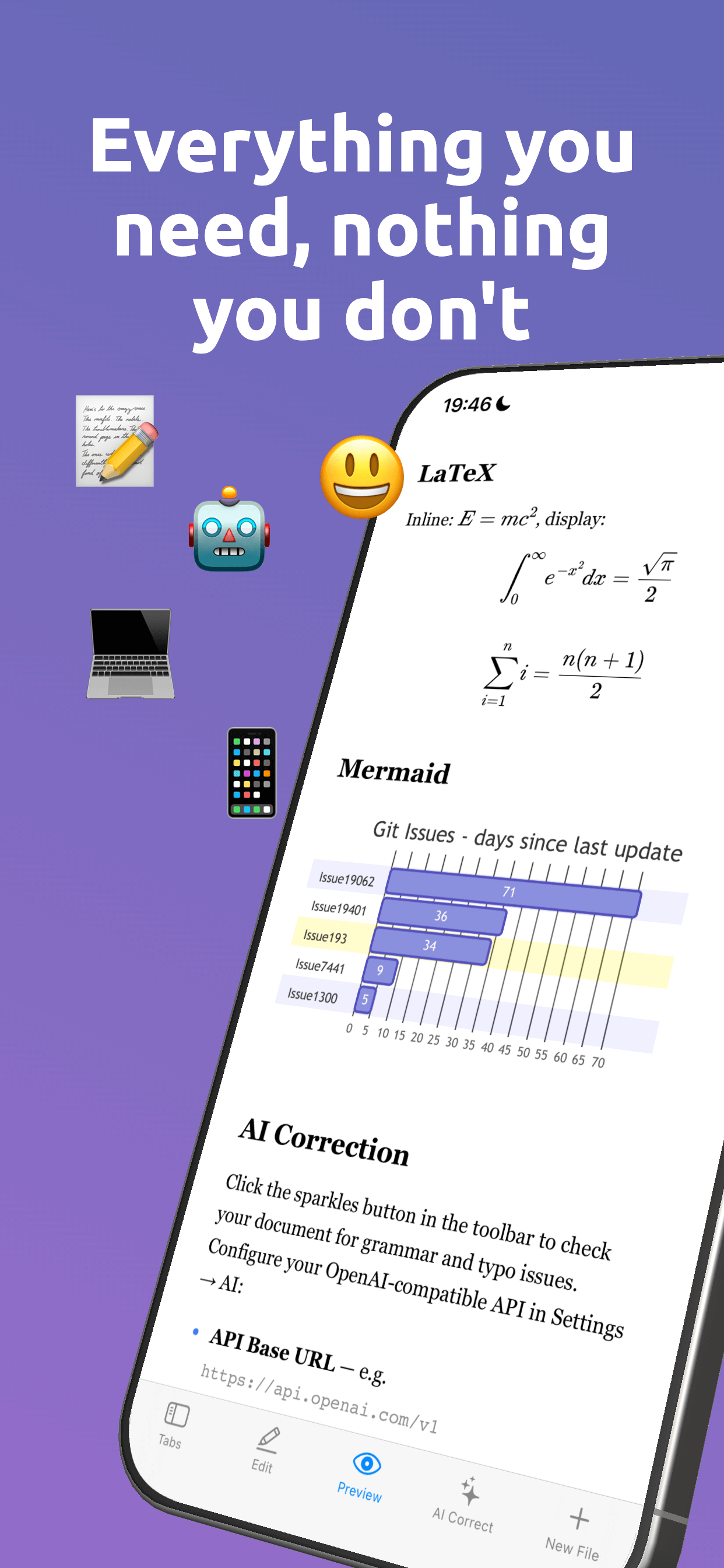
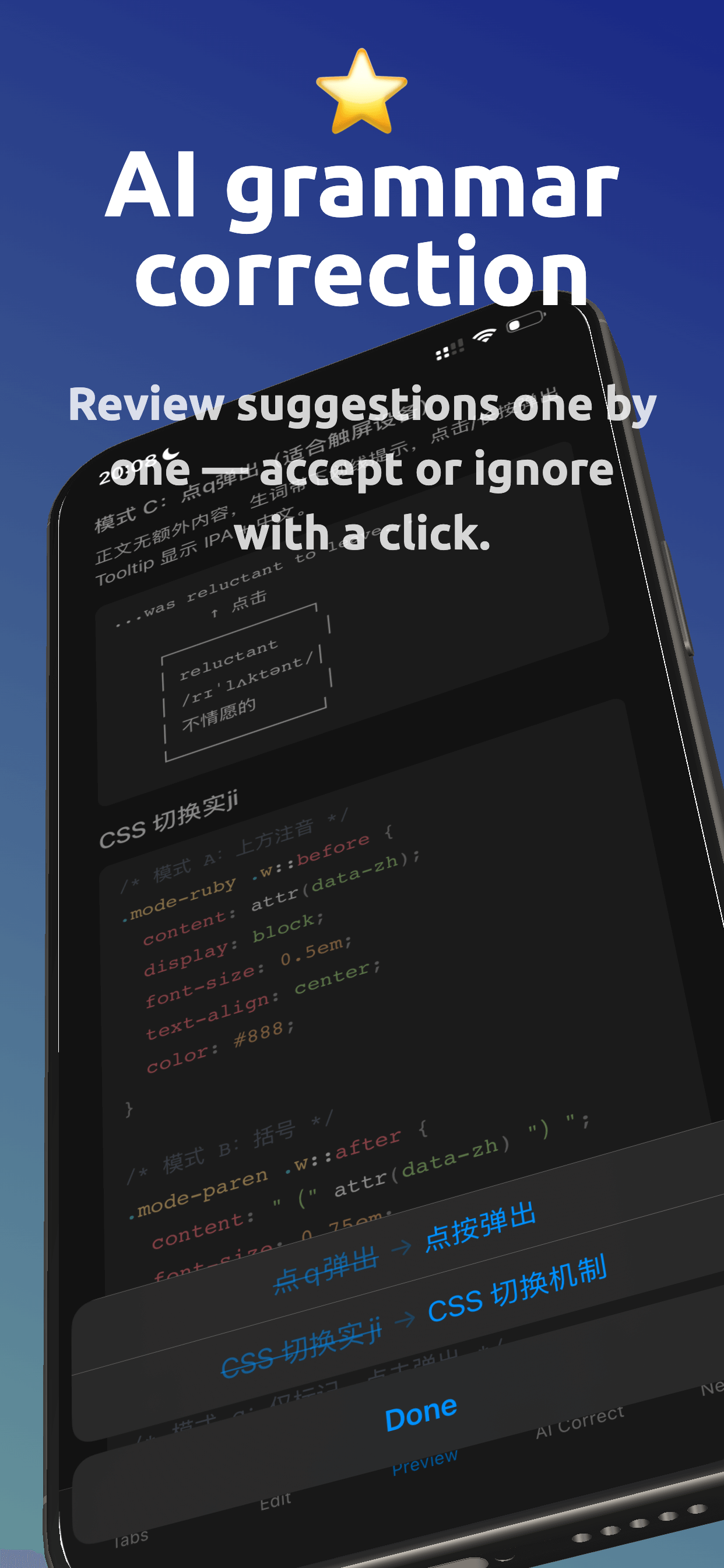
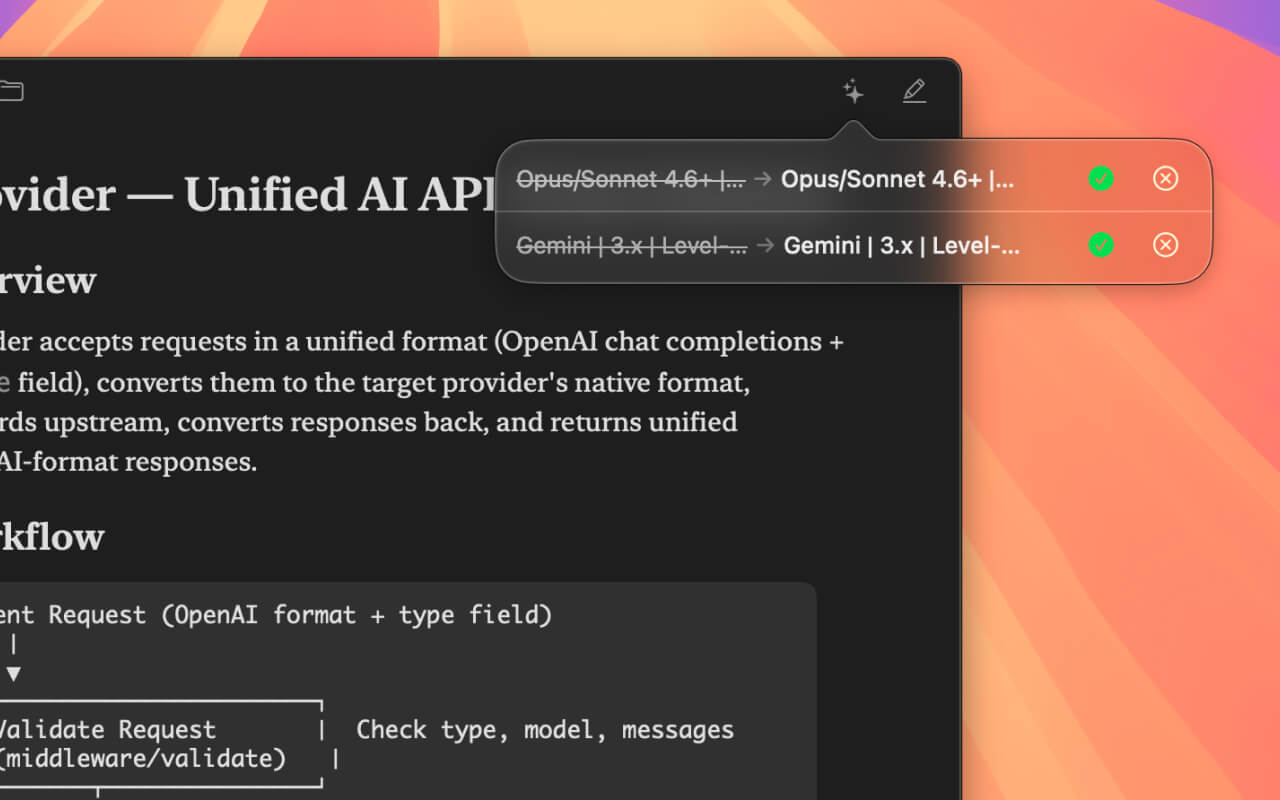
Connect any AI API to check your writing. Review suggestions one by one — accept or ignore with a click.
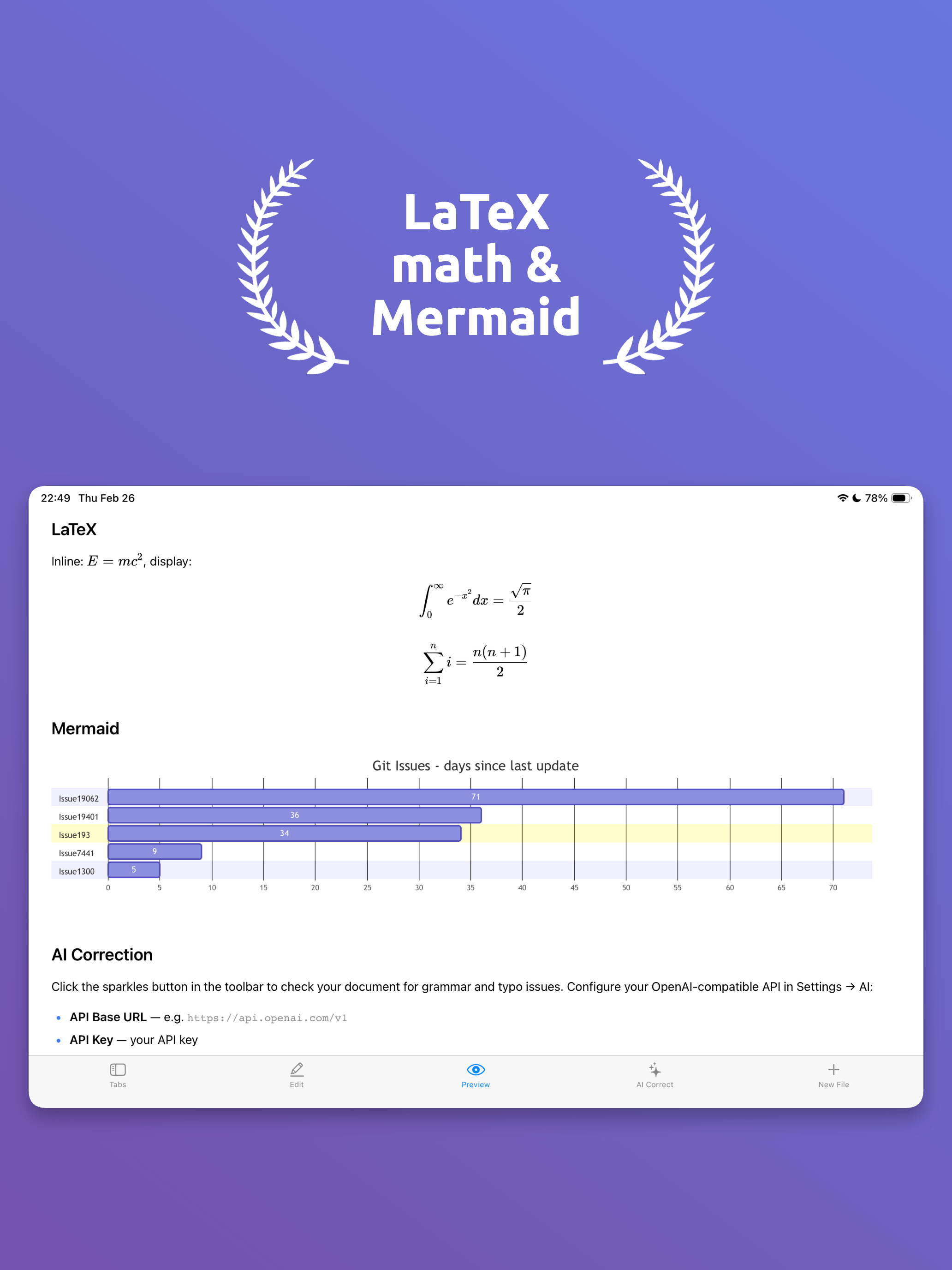
Write math equations with LaTeX and create flowcharts, sequence diagrams, and more with Mermaid. Rendered instantly in preview.
15+ shortcuts for everything. Tabs with ⌘1–⌘9, auto-save, session restore. A workflow that stays out of your way.
Available in English, 简体中文, 日本語, and 한국어. Light and dark color schemes on both Mac and iOS.
Connect any AI API — including local models — to check grammar and typos. Review each suggestion and accept or ignore with a single click.
Press ⌘I to run a check anytime.
Everything at your fingertips.